
Know if this week's jump is too bigPro
Most weeks you can feel it. The week that catches people out is the one that felt fine — a long run added here, a race pace session there — and only looks steep next to the four weeks before it. Training Status makes that comparison for you.
The card carries one word, one number and a bar. The word is the read; the number is the ratio behind it.
What you’re looking at#
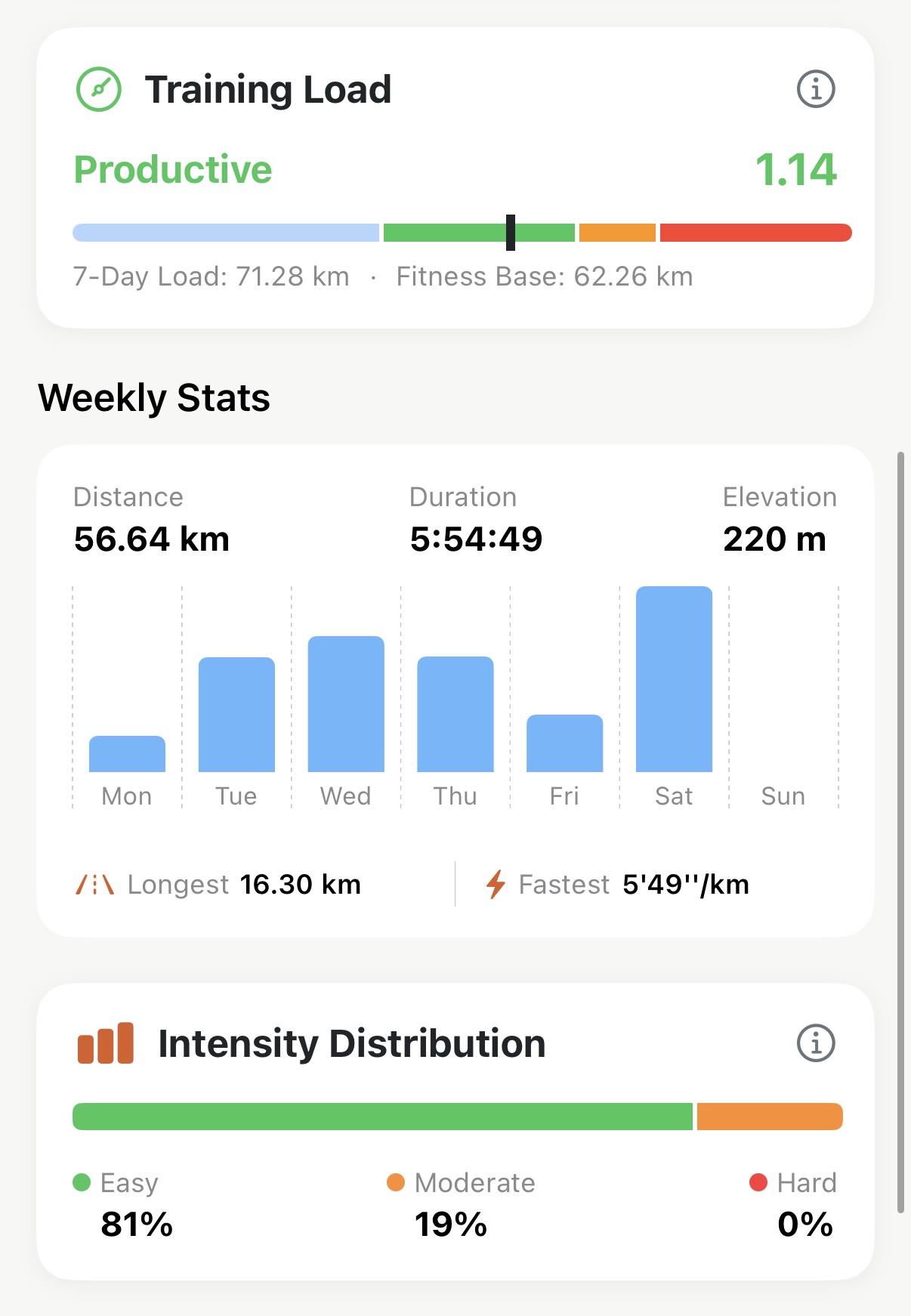
- The status word — Recovery, Productive, High Exertion or Overreaching.
- The number — your last 7 days of running divided by your recent weekly average.
1.00means this week matches your normal week. - The bar — where that number falls, blue through green, orange, red.
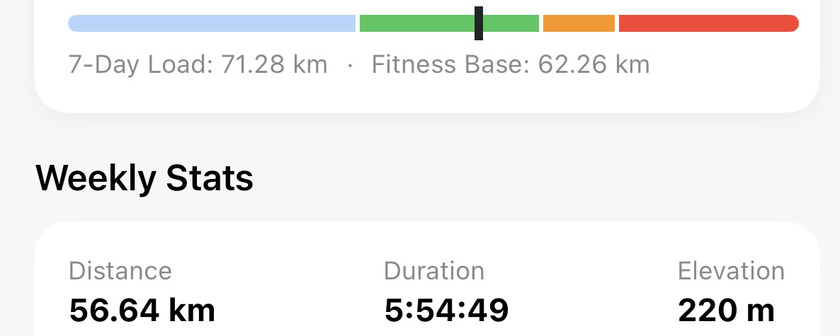
- 7-Day Load — how far you’ve run in the last seven days.
- Fitness Base — what a normal week has looked like lately, averaged over the last four.
Tap the card to open Trends, where the same ratio is plotted over time. The ⓘ opens the full explanation inside the app.
The four reads#
- Productive (0.8 – 1.3) — this week is a little bigger than your normal week. That’s the shape that makes you fitter. Keep going.
- High Exertion (1.3 – 1.5) — a real step up. Fine for a build block or the weeks before a race; not somewhere to live. Plan the easy week that follows it.
- Overreaching (above 1.5) — this week is more than half again your usual. Back off now rather than after something hurts.
- Recovery (below 0.8) — you’re running less than usual. Right after a race or inside a taper. Held for weeks, fitness quietly leaks away.
“Building Base” instead of a number#
For your first two weeks in the app, or until there’s enough recent running to average, the card reads Building Base and shows a dash. A ratio built on one week of data would swing wildly and mean nothing, so it waits.
How to actually use it#
- Check it when you plan, not when you finish. It’s most useful on the evening you decide what the weekend looks like.
- Weekly, not daily. The ratio moves every time you run. Reading it after each session turns a training signal into a mood ring.
- A few weeks of green, then an easy one. Productive isn’t a place to stay forever either — the adaptation happens in the down week.
- It counts distance, so a hard track session is under-read. 8×400 m is brutal and barely moves the number. Cross-check intensity against your zone time for the week.
The metric behind it: Training load and ACWR
Get the app
See where this week sits.
Training Status is on the Summary tab, built from the runs already in your library — nothing to log. It's part of Pro, and the 14-day trial doesn't ask for a card.
↓ Download Apex Run