
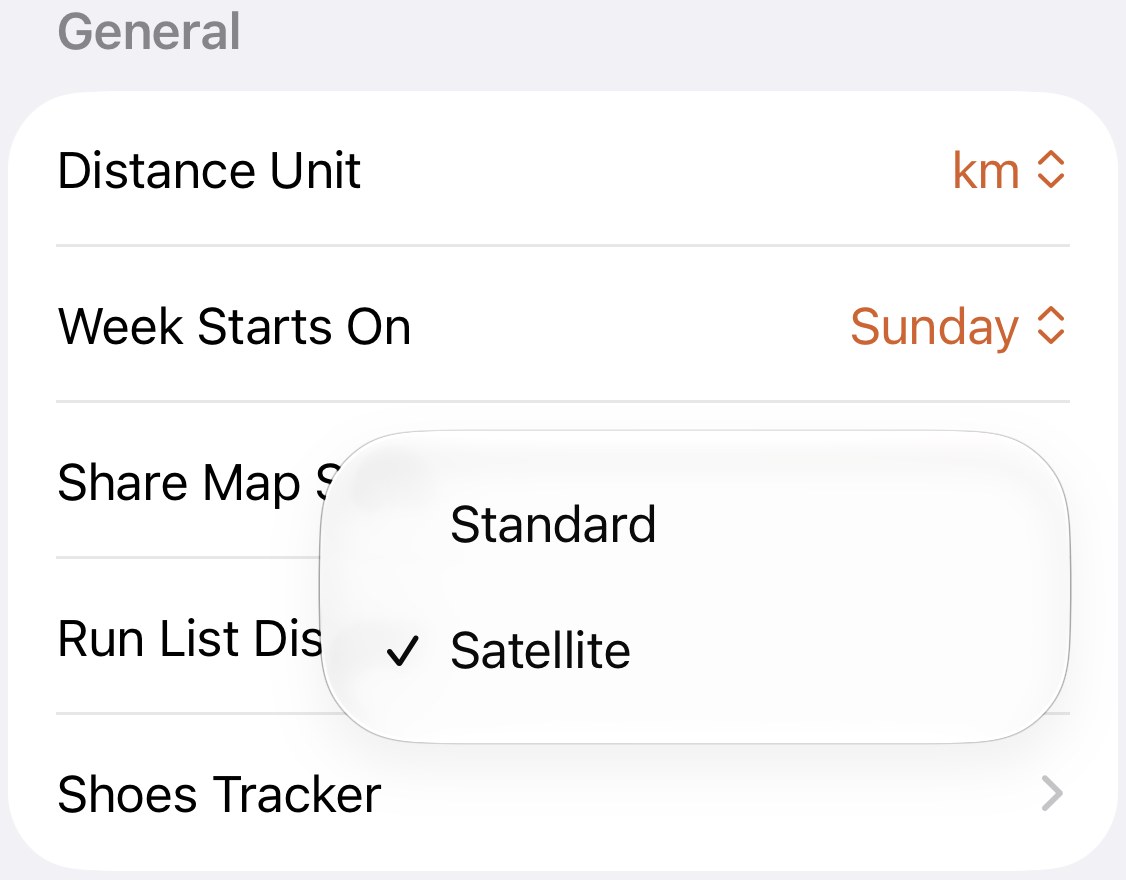
Standard or satellite behind your share cards
The map on a share card is the part a friend looks at first. This setting decides whether they see streets or terrain.
Every share card in the app puts your route on a map. This picks the map.
Where it shows up#
- Every share card from a run, the interval cards included.
- The exported run image, the taller layout with the route centred.
- The route map in the monthly report.
All three are rendered at the moment you share or open them, so changing the setting and sharing again gives you the same run in the other style. There’s no need to decide once and for all.
Where it doesn’t#
The maps you look at inside the app have their own controls. The full-screen map switches style with its own button, and the Latest Run card and the Home Screen widgets always use the street map. This setting is for the images that leave the phone.
Which to pick#
Satellite when the terrain is the story: a trail, a coastline, a mountain, a park loop. The route reads as a shape on the land, and a climb looks like a climb.
Standard in a city, where the street grid is the recognisable part. A friend who knows the neighbourhood reads the route off the street names in a glance, and a loop of the park is obviously a loop of the park.
There’s a quieter reason to favour satellite for the runs from your front door. Satellite imagery carries no street names or labels, so a card shows the shape of the run and the ground it crossed, not the names of the streets around your home. If you share runs publicly and most of them start at the same place, that’s worth a thought.
Worth knowing#
- It’s a card setting, not a map setting. Switching it changes nothing on screen, which is easy to mistake for it not working. Share a card and the new style is there.
- Satellite over a dense city is often the worse card. Rooftops all look alike, and the route floats on grey. If a city card looks muddy, try Standard before blaming the run.
Get the app
Streets for the city, satellite for everything else.
Set it once and every share card, export and monthly report follows. Swap it before a share and the same run comes out the other way.
↓ Download Apex Run