
The share cards, and which one suits the run
One run, seven ways to show it. The right card depends on where it's going and what the run was about.
Open a run, tap ⋯, then Share. A strip of previews slides across the screen, already filled in with this run. Swipe to the one you want, tap Share, and it goes wherever the iOS share sheet can send an image: Messages, a chat app, Photos, a story.
The map on any card follows your Share Map Style setting, satellite or street. Everything else on a card is the run itself.
The seven, on one run#
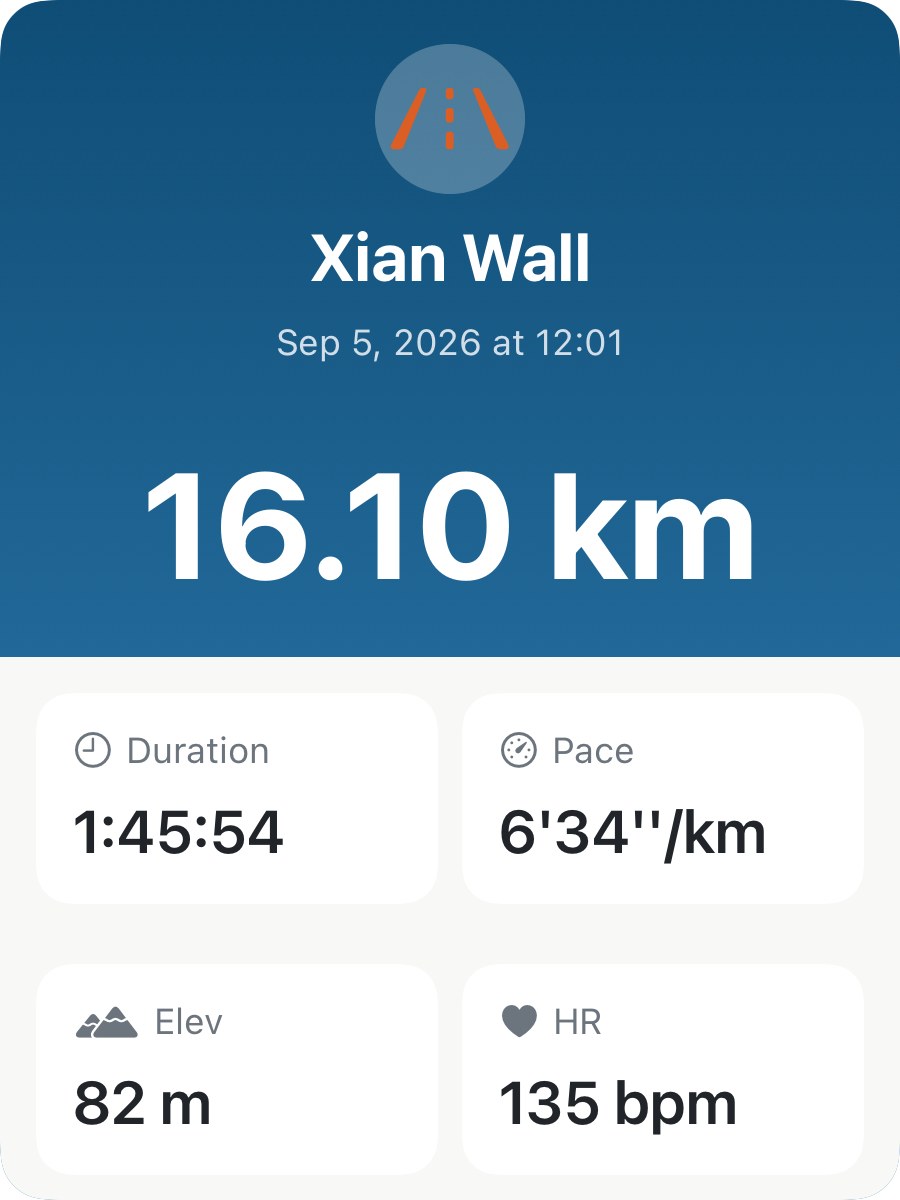
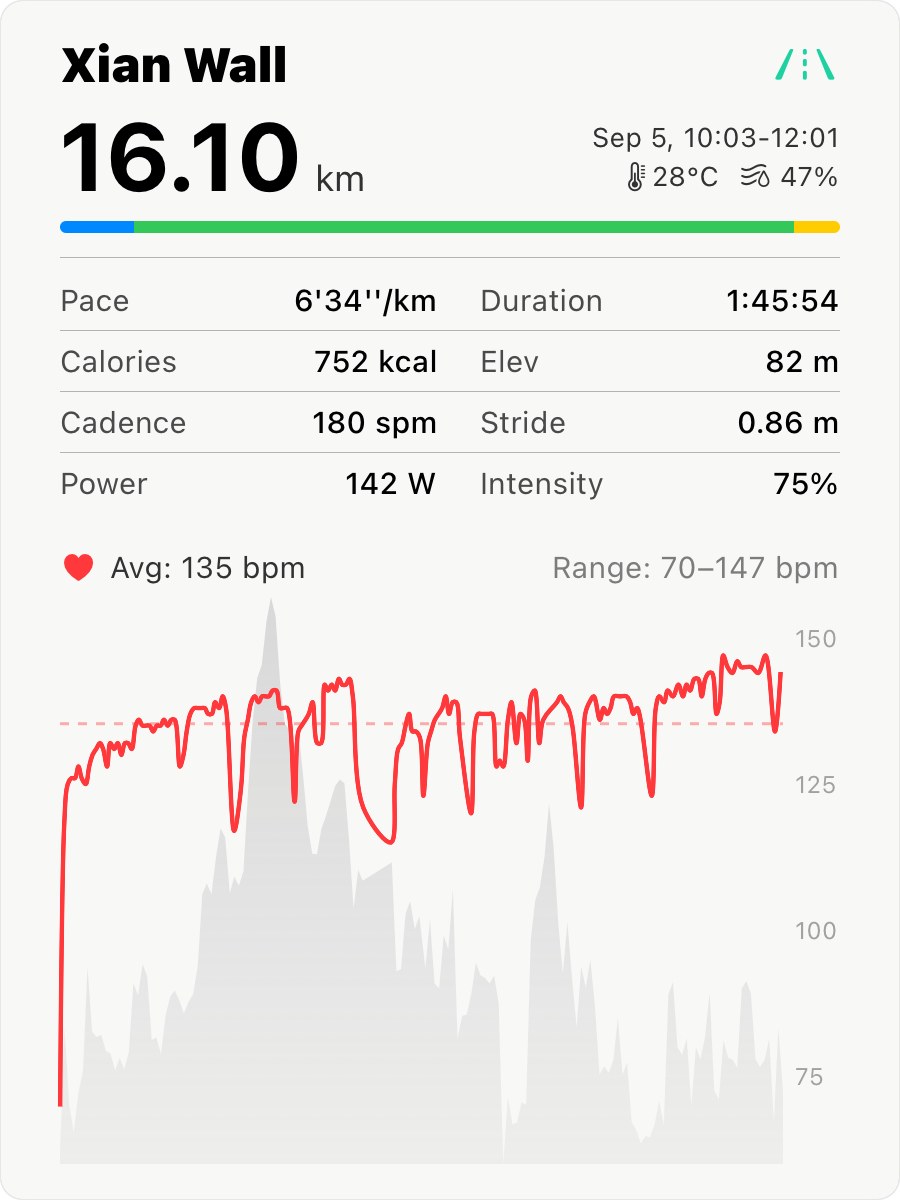
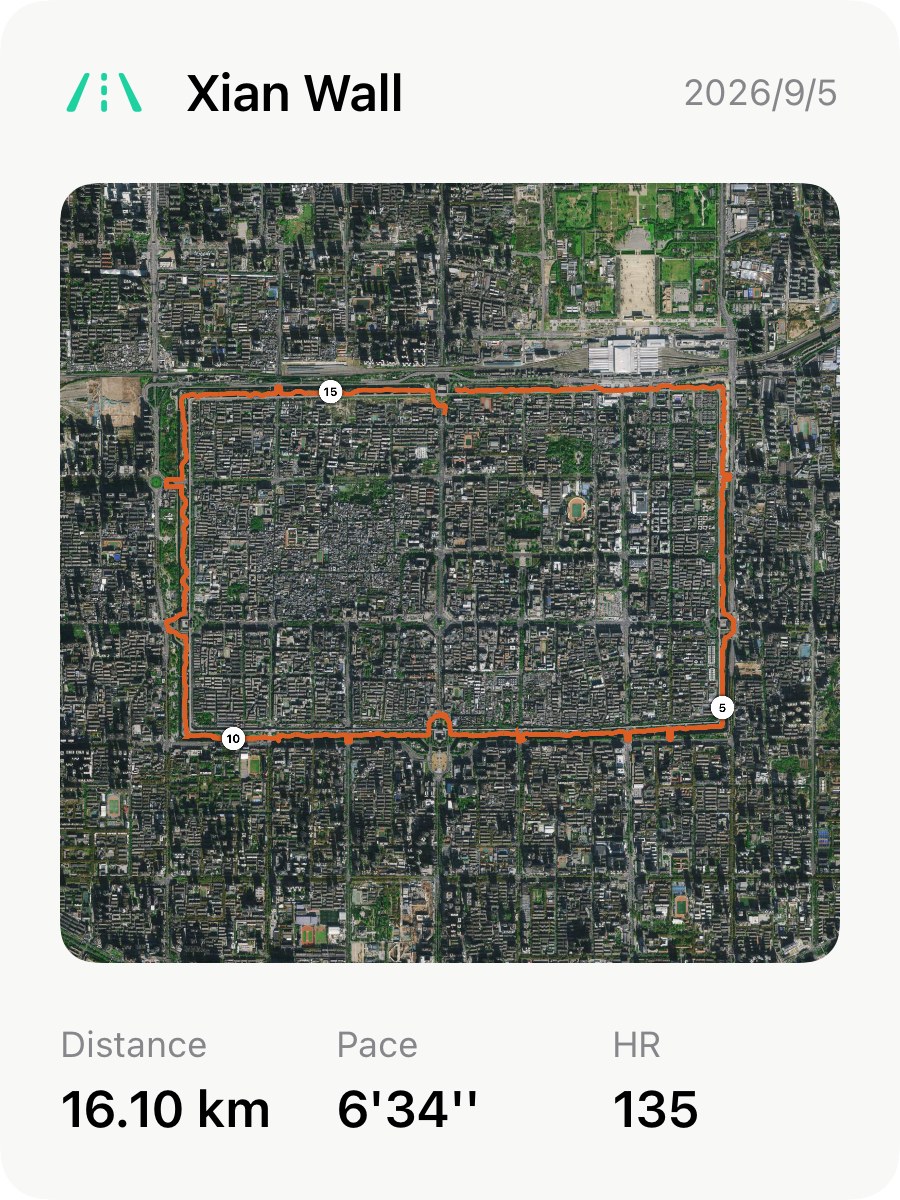
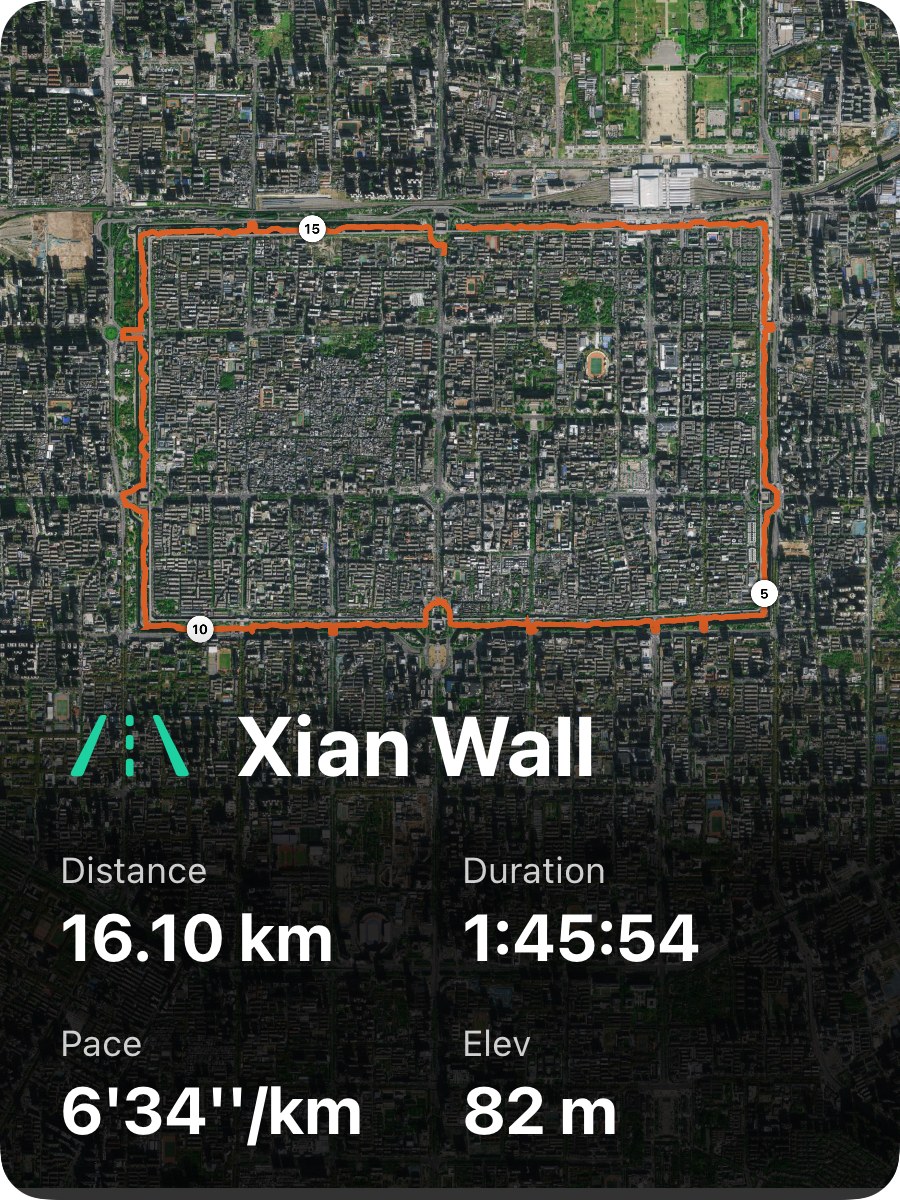
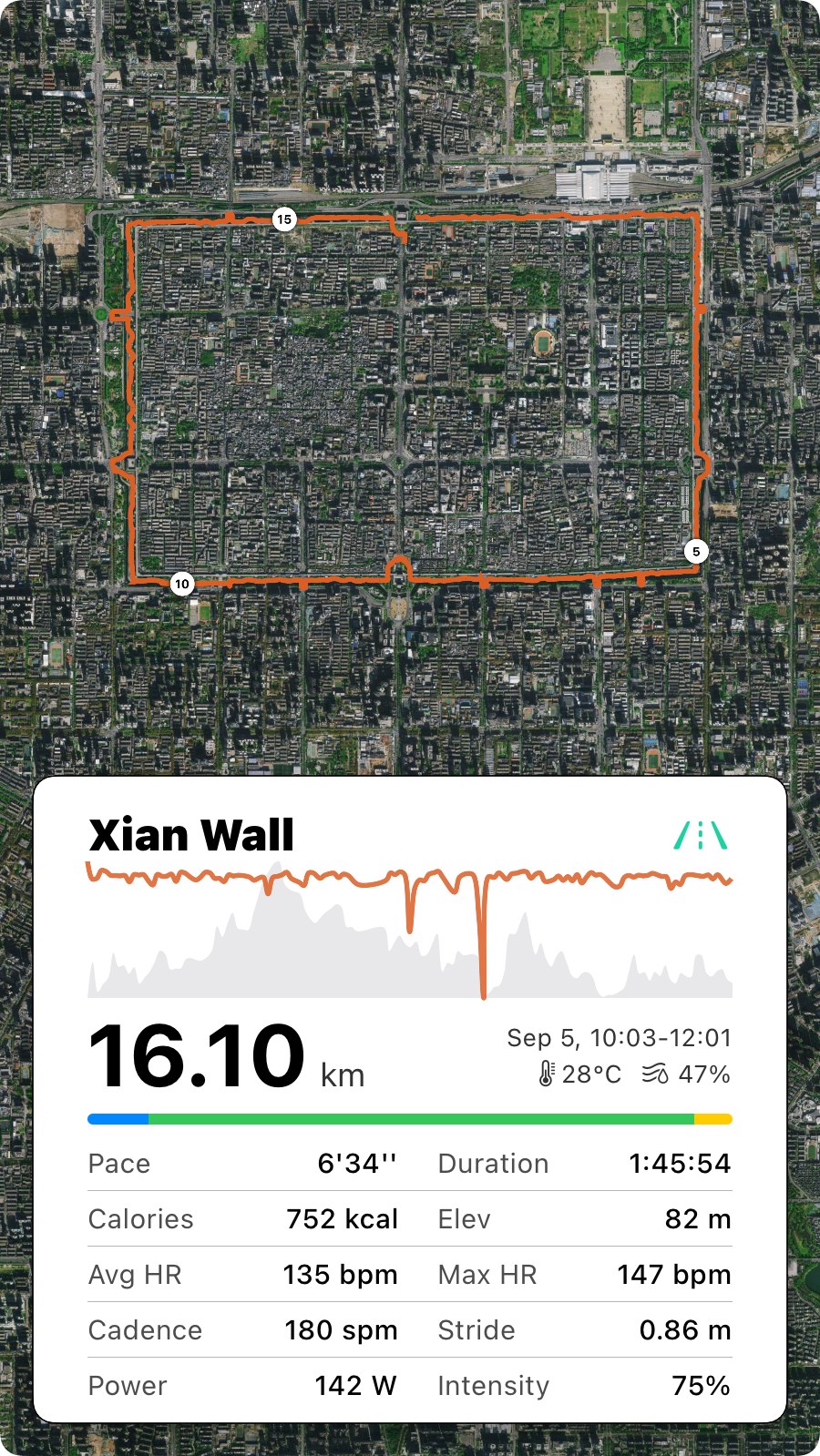
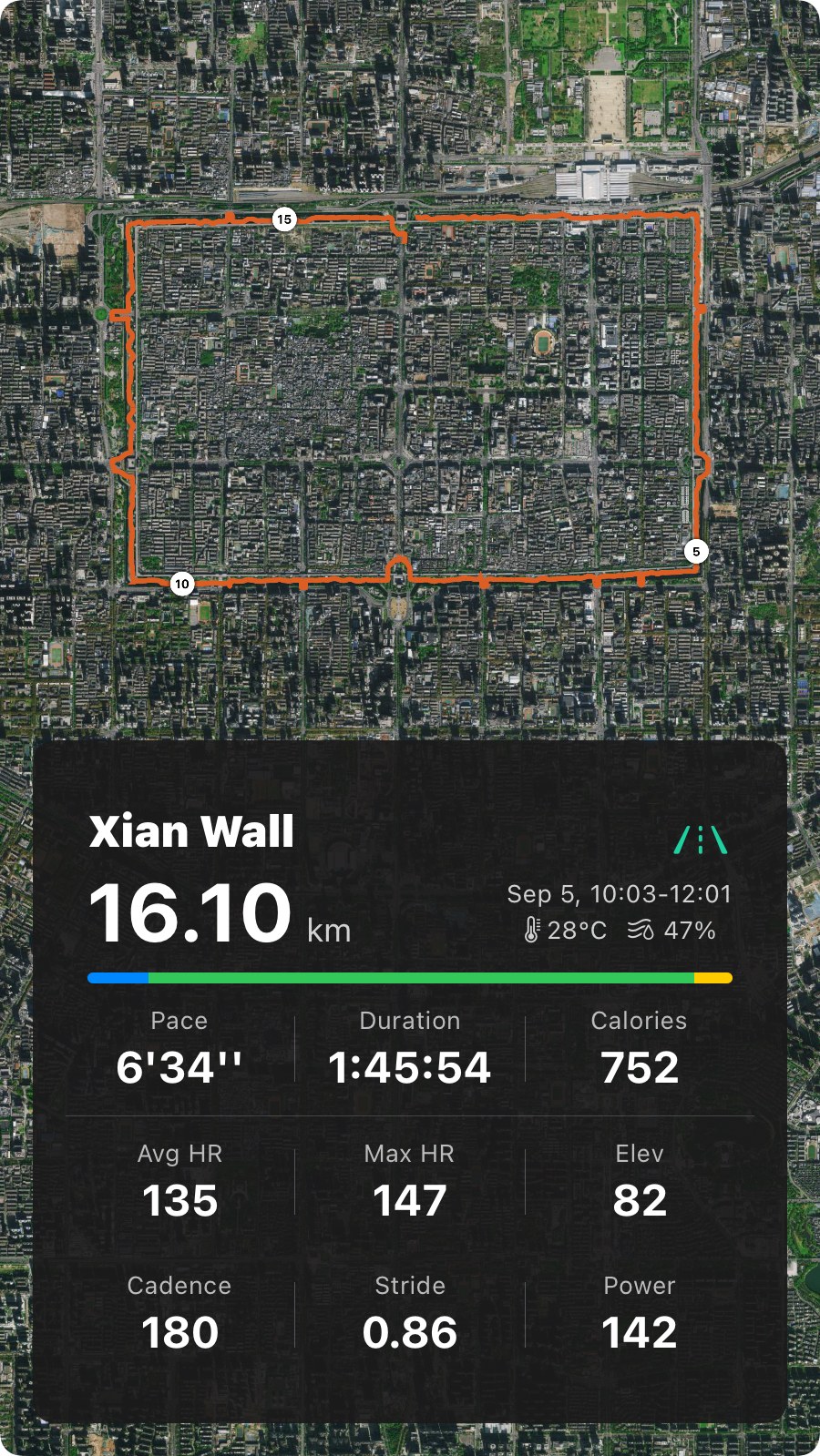
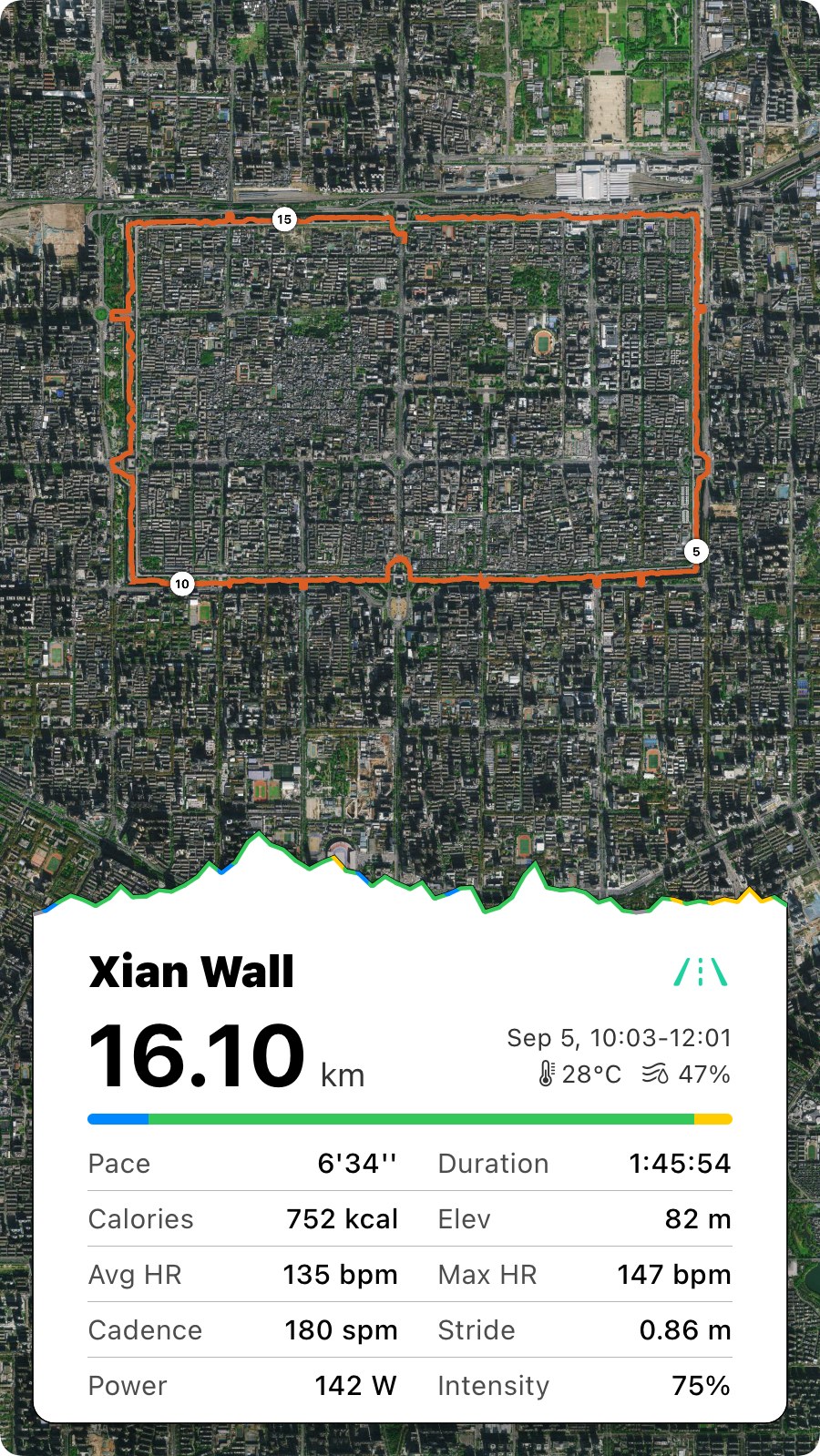
All seven below are the same 16.10 km loop of the Xi’an City Wall, so the differences are the cards, not the run. The first four are near-square, built for a chat bubble. The three on the last row are story-shaped.
Which one, when#
- A group chat or a message. One of the four near-square cards. They sit inside a chat bubble without being cropped, and the two without a map keep the neighbourhood out of it.
- A story. One of the three tall cards. They fill a phone screen top to bottom, which is what a story wants.
- The run was about the route. A map card, and the framed one if you want the route to read as a shape.
- The run was about the effort. The dark story card has max heart rate, cadence, stride and power; the white stats card has the same plus the heart rate trace. Both carry the zone bar, so a hard session looks hard.
- The run was about the hills. The last two story cards. One draws the heart rate over the elevation, the other colours the elevation by heart rate zone, so the climb and what it cost you are on the same line.
- It was an interval session. Two more cards appear on their own, one square and one story-shaped. The interval cards have their own page.
What the cards share#
- The zone bar is your time in each heart rate zone, the same bar as on the run’s Heart Rate Zones card.
- Intensity is average heart rate as a share of your max, the figure from the run’s Avg. Intensity card.
- The name and the icon are yours to change before you share: rename the run and the card picks it up.
- The weather chip is where and when the run started, not an average of the run.
Worth knowing#
- A treadmill run gets the two no-map cards. Nothing to draw, so the five map cards stay out of the strip.
- No watch, no trace. The heart rate line and the zone bar need a heart rate recording. The cards still render; those parts are empty.
- Share a run twice and you get two files. Each tap renders a fresh image, so changing the map style, the run’s name or a metric card and sharing again gives you the updated card.
- The strip opens on the card you used last time, so a favourite is one tap away on every run.
- Export to Image is not a card. ⋯ → Export to Image renders the whole run screen as one tall image and hands it to the same share sheet, for keeping rather than posting.
Why it was built this way: The elevation-and-heart-rate share card
Get the app
Share the run, not a screenshot.
Seven cards for any outdoor run, two more when it had intervals, every one of them free. Pick the shape that fits where it's going, and the card that says what the run was about.
↓ Download Apex Run