
Your last run is the first thing you see
You open the app the morning after. The question isn't 'how is my training going', it's 'did that one go the way it felt?' — and it needs answering before you scroll.
Open the app and the first card on the Summary tab is your most recent run. Not the week, not a trend: that run. It’s there so the most common thing you do with a running app takes zero taps, and it’s free.
What’s on the card#
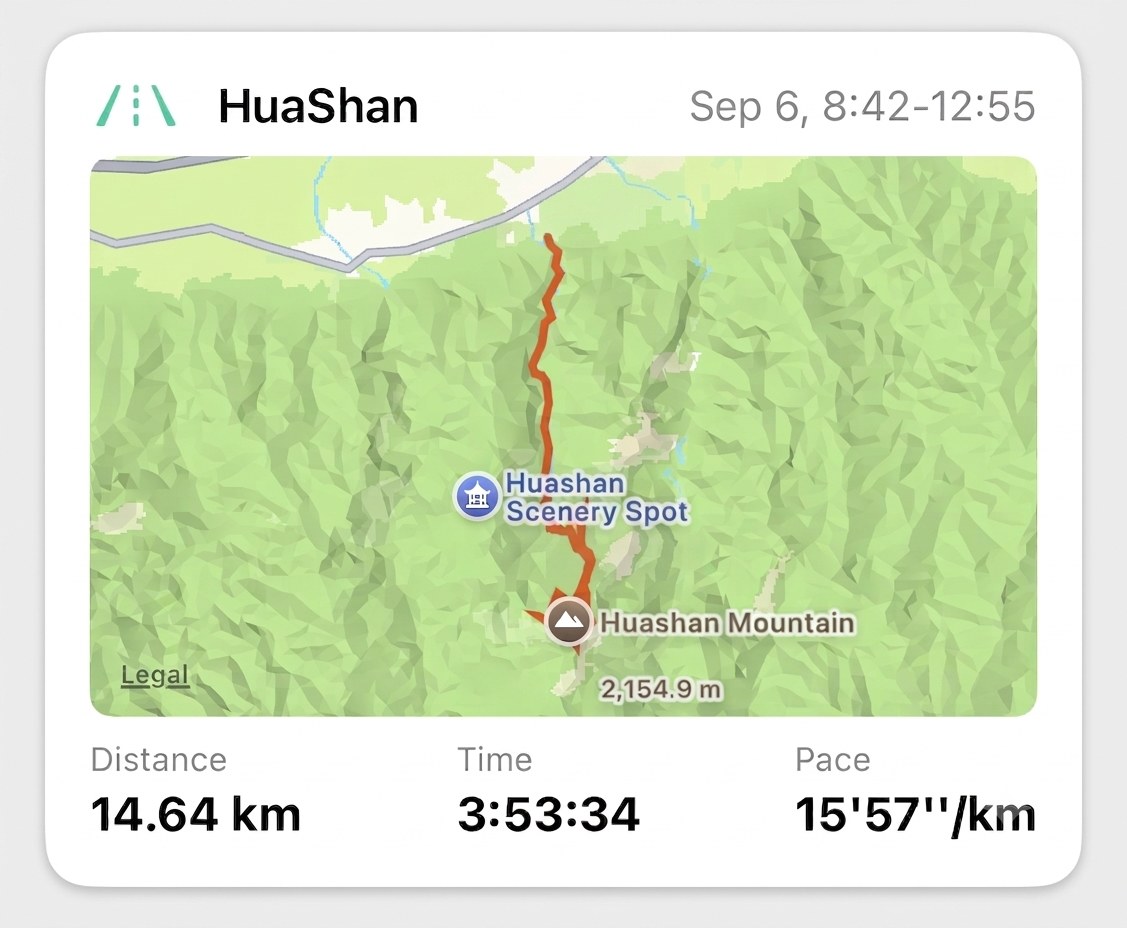
- An icon, coloured by run type. A long run, an easy run and an interval session each get their own; a treadmill run gets the indoor icon. The label is the one on the run itself, and you can change it.
- The name. Your watch’s name for it, or the one you gave it — whichever you saved last.
- When. today, 7:02–7:55, yesterday, then the date once it’s older. The two times are the start and finish on the clock.
- The route, drawn on a map, for outdoor runs. A treadmill run has no map, and the card is shorter for it.
- Distance, Time, Pace — the three numbers you’d ask for first, in your units.
Tap anywhere on the card and you’re inside the run: splits, heart rate, zones, best efforts, the lot. That’s the card’s real job — the numbers on it are the reason to tap, not the answer.
Recent Runs, just below#
Under the card, Recent Runs lists the three runs before it — name, date, distance, and the two metrics you chose in Run List Display. Each row opens its run. All, on the right, opens your whole history, which is the place to go looking for anything older than four runs.
In the first week of a month, a report card for the month just finished slots in between the two. Once you’ve opened it, it steps aside; the Profile tab keeps it.
When the card doesn’t look right#
- Your new run isn’t there yet. It normally lands on its own within a minute or two of the watch saving it. If it hasn’t, pull down on the Summary tab and it will.
- An outdoor run with no map. Occasionally the route reaches your phone a little after the run does, and the card was built before it arrived. Pull down to refresh first; if the map still isn’t there, Reimport the run and it will be.
- The wrong run at the top. Latest means the run that finished most recently — so a run you imported today from last year won’t jump the queue, and one you merged from two halves sits where the second half ended.
The same run, on your Home Screen#
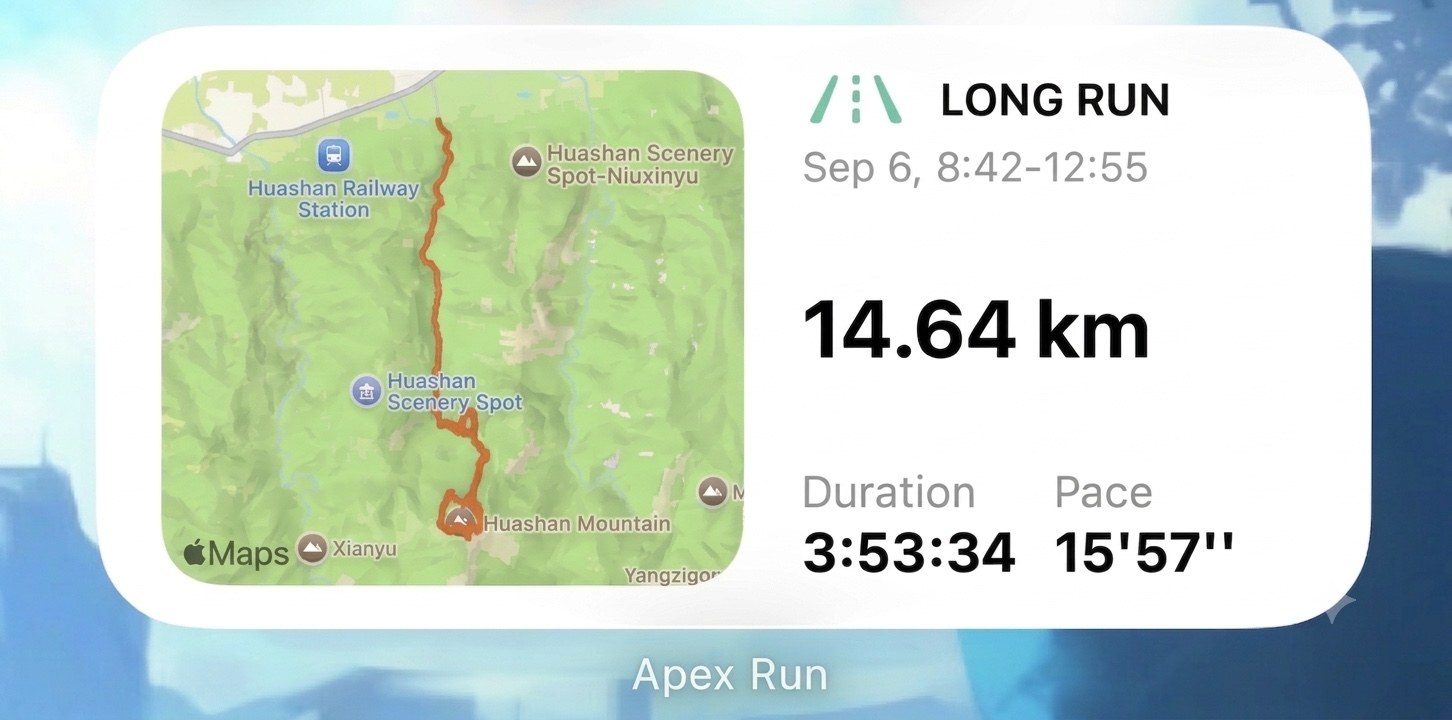
Nothing on the card is a widget. If you want the same run on your Home Screen without opening the app, that’s the Latest Run widget: the map, the name and the distance, plus two metrics you choose by long-pressing it and tapping Edit Widget. It updates itself when the run lands.
Worth knowing#
- The gear in the top-right corner is Settings. It’s the same screen as Profile→Settings , just closer.
- Pace on the card is the run’s average, the same figure as on the run’s own page. Your best kilometre or mile is a best effort, and it lives inside the run.
Get the app
The last one, waiting at the top.
Nothing to set up: the card builds itself from the run your watch just saved, and it's free. Tap it when a number surprises you — the whole run is one tap down.
↓ Download Apex Run