
Move a run in or out as a .fit filePro
Your history didn't all happen on one watch, and it won't all stay in one app. A .fit file is how a run crosses that line in either direction, with the route, heart rate and laps still attached.
Apple Health is the front door: runs from your Apple Watch walk in on their own. The .fit file is the side door, and it opens both ways. A run recorded on a Garmin, a Coros or any other watch can come in as a file, and any run in your log can go out as one. Both need Pro.
Bringing a run in#
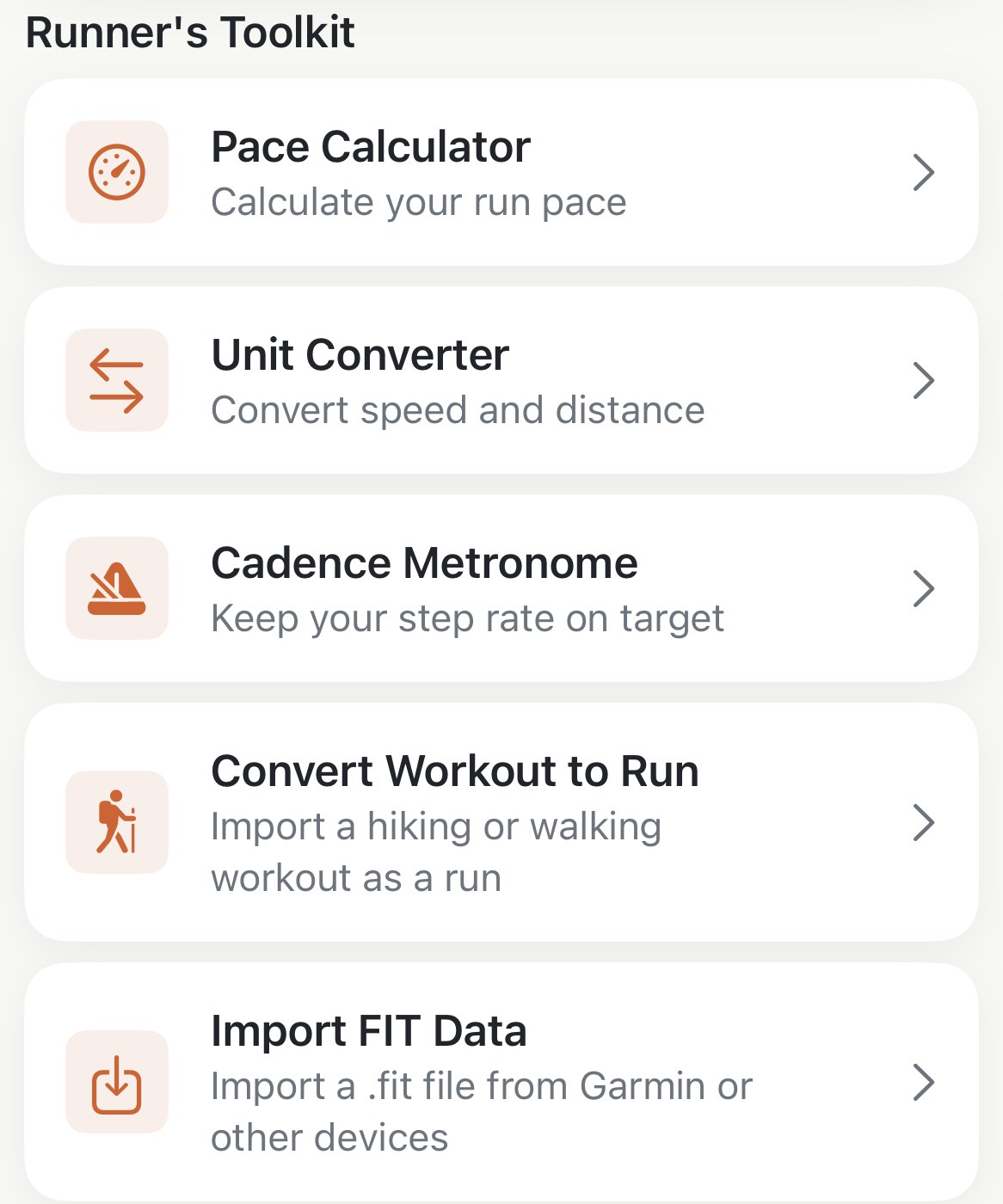
Profile→Runner's Toolkit→Import FIT Data opens the Files picker, filtered to .fit files. Pick one and Apex Run opens the run, ready to look at.
Or skip the picker. A .fit file that reaches your phone some other way opens straight into Apex Run: tap it in Files, Mail or a chat app, or take it over AirDrop, and choose Apex Run from the share sheet. Send several and they come in one after another.
Without Pro, you still see the run first. A file you open shows its route, date, distance, time and pace before anything asks you to unlock. Unlock and the run is saved and opened. Tap Not Now and nothing is kept; open the file again whenever you’re ready.
Runs, walks and hikes come in. A ride, a swim or a gym session gets a message saying so, and nothing is added.
Where the file comes from. Garmin Connect, Coros, Wahoo and most training platforms export an activity as .fit. If all you have is a GPX or TCX, the converter on this site turns it into a .fit first.
What’s read. The route with altitude, the heart rate stream, laps, and the session’s averages for cadence and power; a treadmill flag if the file has one. The run then goes through the same steps as any other: a run type from your heart rate zones, best efforts, and a place on the records board where it earns one. Its Source line reads FIT File, with the maker’s name when the file carries it.
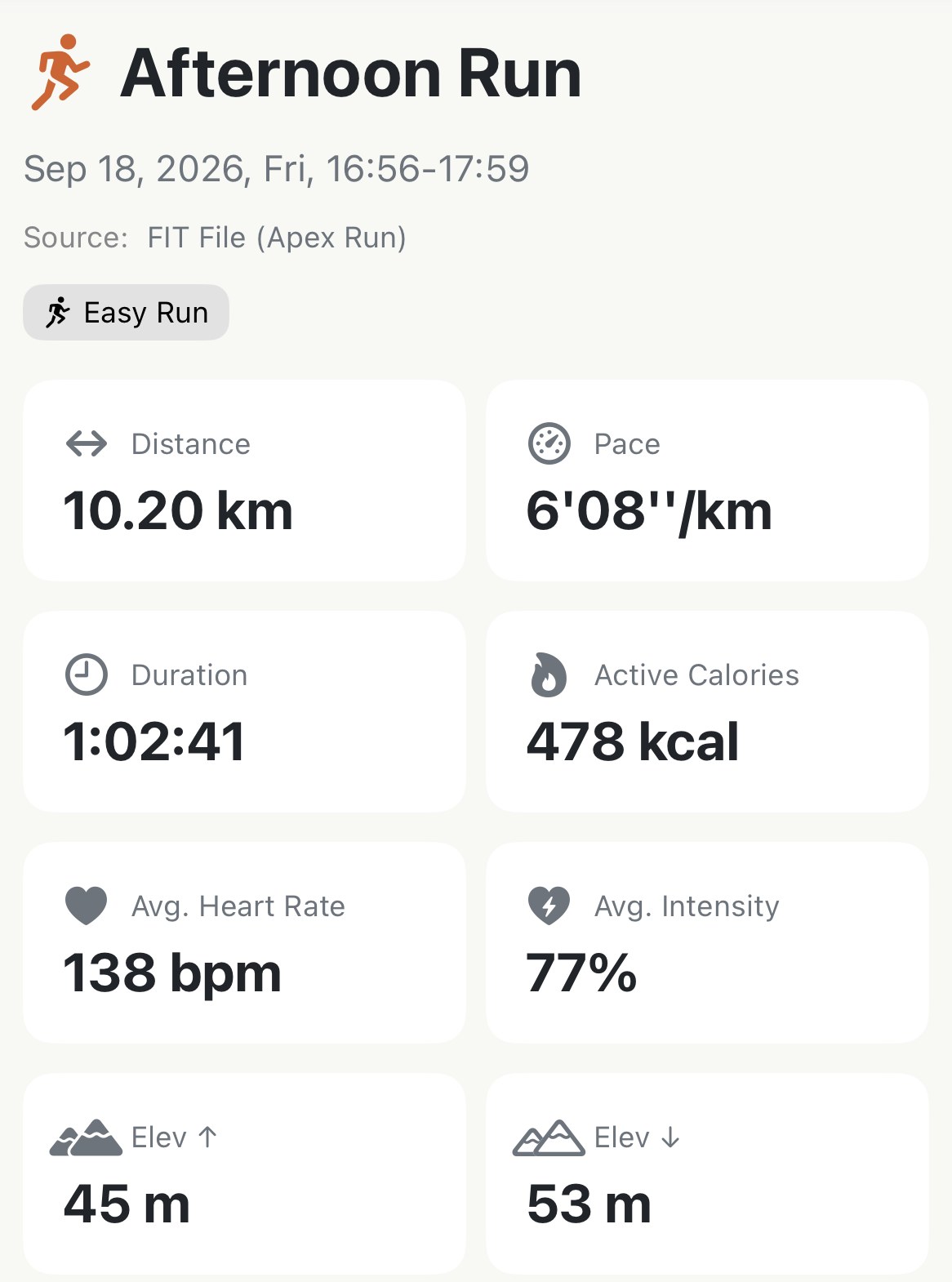
The duplicate rule. If a run with the same start time is already in your log, you’ll get Duplicate Run Found. Import Anyway adds a second copy; it does not replace the first. That matters if you wore two watches: the Apple Watch run is already in, so importing the Garmin file gives you the run twice, and you’ll want to delete one.
Taking a run out#
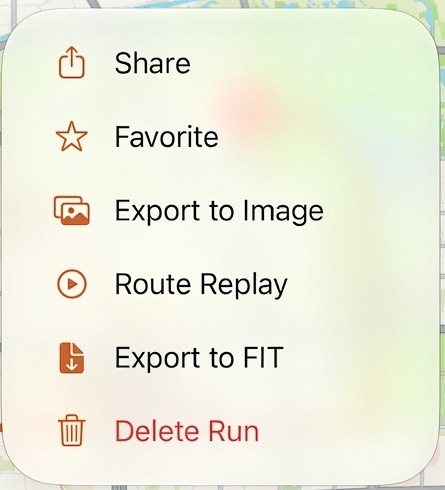
Open the run, tap ⋯, then Export to FIT. The share sheet opens with the file, named after the run’s date and time, and you send it wherever you like: Files, AirDrop, or straight into an app that accepts .fit.
What’s in it. The route with altitude, heart rate, cadence and power along the way, the session totals, and laps. The laps are your segments if the run has them, so an interval session arrives in Garmin Connect or Strava with its reps as laps; a run without segments gets its kilometre or mile splits instead.
Any run can go out, including merged runs, converted hikes, and runs that came in as .fit files.
Worth knowing#
- Importing a file keeps it in Apex Run, not Apple Health. To put a single FIT running workout in Health too, use Save to Health (Pro). The Health copy names ApexRun as its source, not the original watch or app.
- Saving leaves your local run and edits in place. It makes a one-time copy, not an automatic sync or full backup; later edits or deletion in Apex Run don’t change that Health copy.
- The original FIT run still has no Reimport. Keep the file if you might need to import it again: a Health copy doesn’t preserve every FIT field or your local edits.
- Names, notes, shoes and the run type don’t travel. The .fit format has no place for them, so a run you export and import elsewhere arrives with its numbers and not its labels.
- Before you share a file, look at where it starts. A .fit file carries the whole route, front door included. The converter can crop the start and end points off first.
Try it in your browser: FIT, GPX, TCX, KML converter and GPS viewer
Get the app
Your runs, portable.
Import FIT Data and Export to FIT are both part of Pro, and the 14-day trial covers them. Bring last year's Garmin runs in, open the one a friend just sent you, or take any run out to wherever you keep the rest of your life.
↓ Download Apex Run