
Get back the distance your watch didn't count
A half marathon, 1:23:42 on the clock, and the watch says 20.22 km. The route on the map covers the full 21.20. Correct Distance lets that run count as the race it was.
Most days your watch’s distance is the one to trust. Once in a while it comes up short by a little every kilometre, and by the finish line that’s a whole kilometre gone: a half marathon that doesn’t count as one, and a pace slower than the one you ran. The route on the map still covers every metre. Correct Distance measures the run along it.
It’s free, and it only changes the run you’re on.
Where it is#
Open the run, tap ⋯ in the top-right corner, and choose Correct Distance.
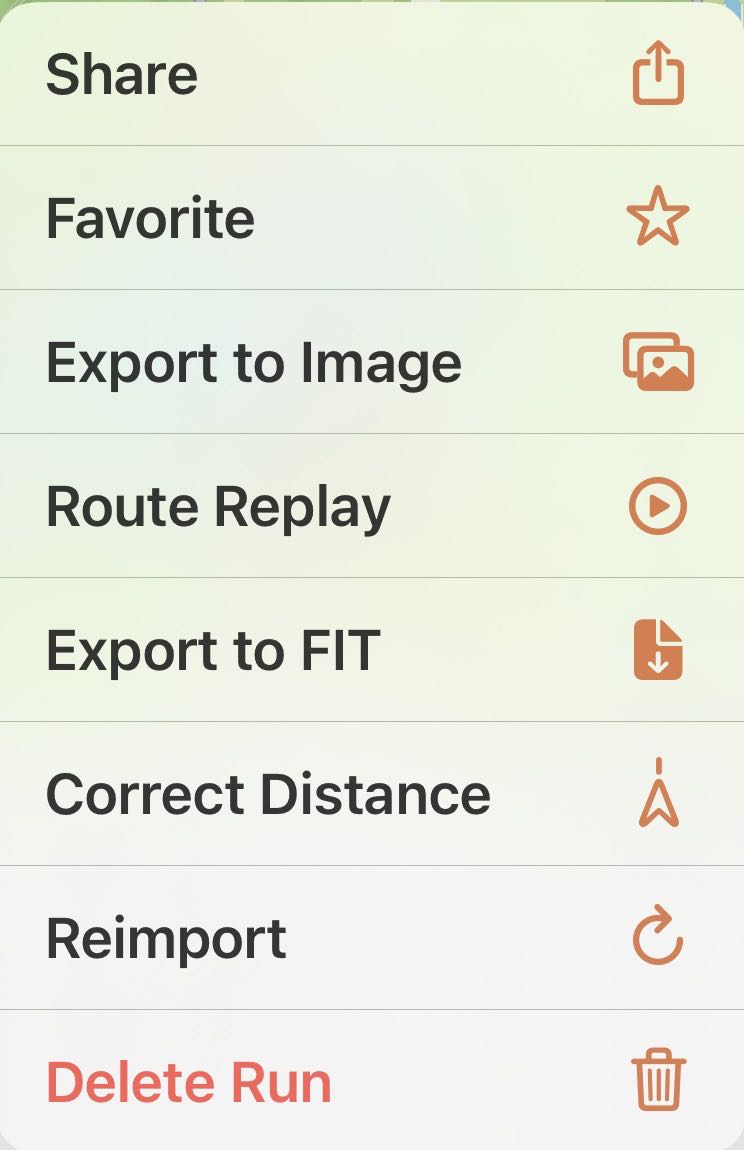
It’s there on any outdoor run with a map. A treadmill run has no route to measure, so it doesn’t get the option.
Compare, then choose#
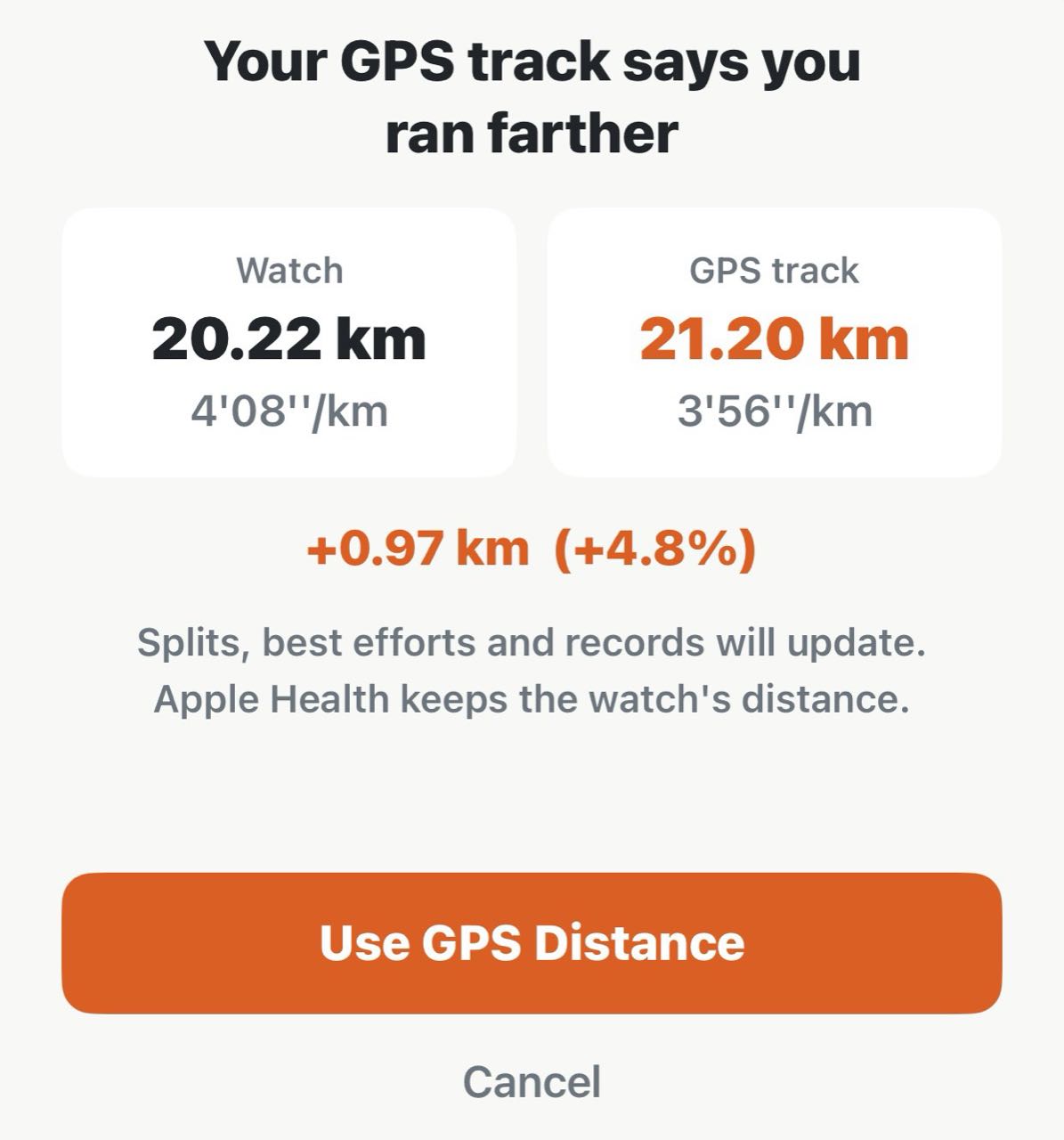
The sheet puts the two distances side by side:
- Watch — the distance your watch recorded, and the pace that goes with it.
- GPS track — the distance along the route on the map, and its pace.
- The difference — how far apart they are. When the two already agree closely, the sheet says so, and there’s nothing worth changing.
Your time stays exactly as it was. Only the distance changes, so the pace follows it.
Nothing happens until you tap Use GPS Distance. Cancel leaves the run alone.
What changes#
After a few seconds of Updating Distance…, the whole run uses the GPS distance:
- Distance and pace on the run, in your lists and totals, and on share cards.
- Splits, which are measured again along the route, with steps, cadence and stride for each one.
- Best efforts and personal records. If the run now reaches a distance it didn’t before, the half marathon for example, it takes its place on those boards and earns the badge that goes with it.
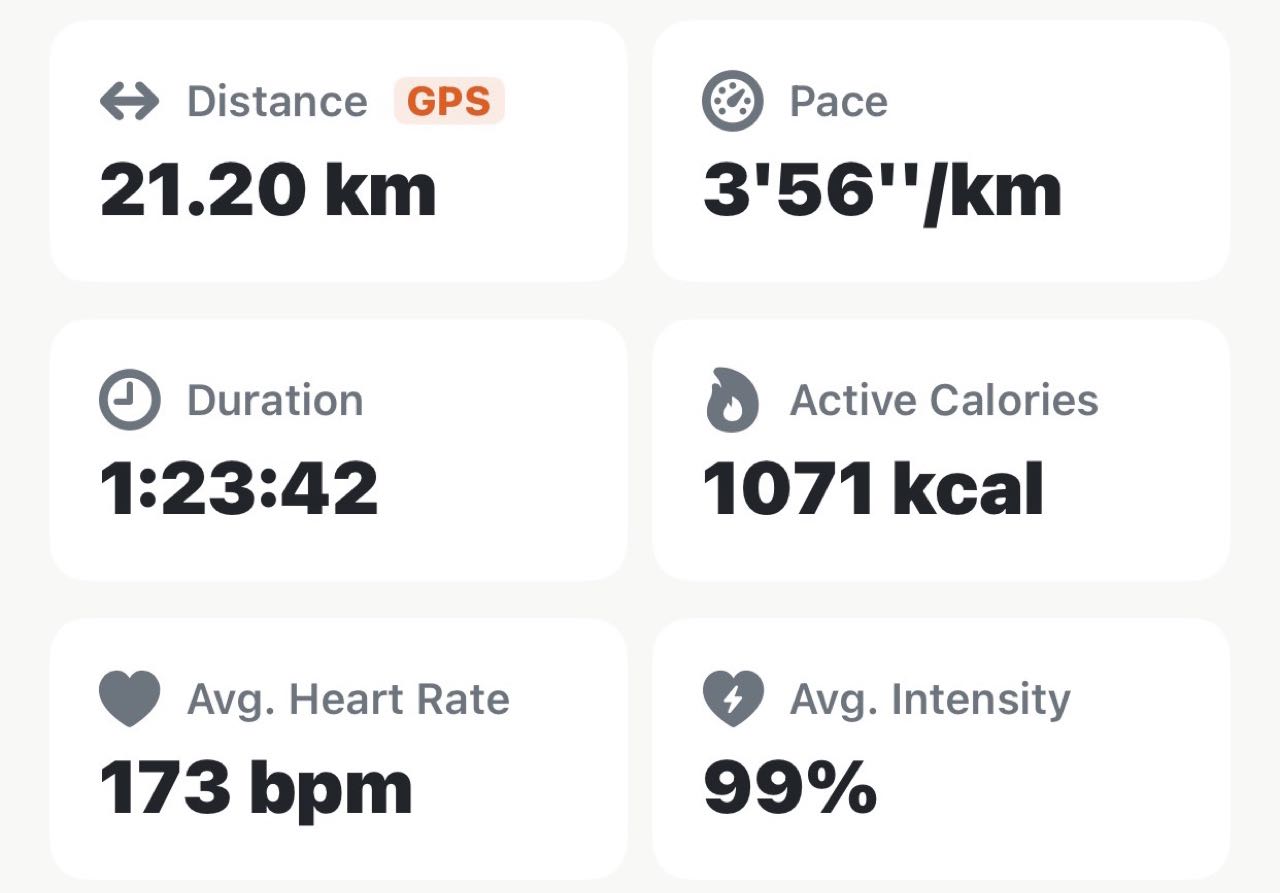
A small GPS tag on the distance card tells you later that this run was corrected.
Apple Health keeps the watch’s distance. The correction lives in Apex Run, and nothing is written back to Health.
Changed your mind?#
On a corrected run, the ⋯ menu offers Restore Watch Distance instead. Confirm, and distance, pace, splits and records go back to what your watch recorded. You can switch as often as you like.
A Reimport keeps your choice, so fetching a run again won’t undo its correction.
When to use it#
- Your watch came up short of a measured course. A race is the clearest case: you know how long it was, and the watch said less.
- The map plainly covers more ground than the number. A route you run every week that suddenly reads a few hundred metres short.
When to leave it alone#
- GPS isn’t always the better number. Tall buildings, tunnels and heavy tree cover make a track wander, and a wandering track reads long. If the GPS figure is longer than the course you know you ran, keep the watch’s.
- A race will read a little long on GPS, and that’s normal. A course is measured on the shortest line, and nobody runs that line. A GPS distance just over the official one is the honest result of weaving around other runners.
- Small gaps aren’t worth it. A few tens of metres over ten kilometres is both of them doing their job.
- It’s one run at a time on purpose. On most runs the watch’s distance is the steadier one, so there’s no setting that switches your whole history to GPS.
Why it was built this way: When your watch eats a kilometer
Get the app
Let the race count as the race.
One run, measured again along the route you actually ran. Correct Distance is free in Apex Run, and it's reversible.
↓ Download Apex Run