
Make a hike or a walk count as a run
You climbed for four hours on Sunday, and your running log says you rested. Or you started walking, broke into a run near the top, and the whole thing was saved as a hike. Either way the effort was real, and it's one tap from counting.
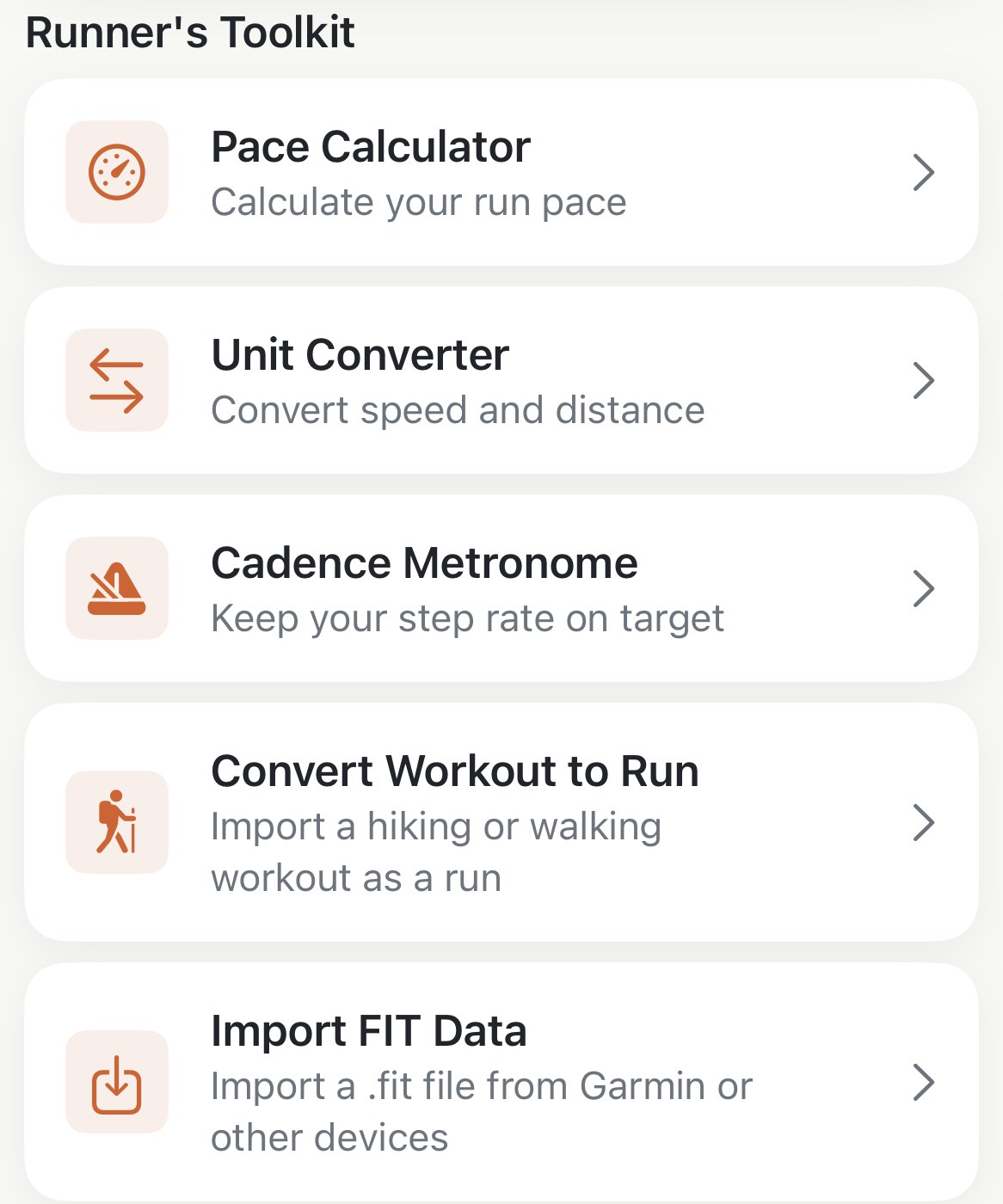
Apex Run only imports workouts your watch saved as runs, which is the right default and occasionally the wrong answer. There are two cases where you’d want something else in your log: a run that was recorded under the wrong type, and a hike big enough that leaving it out makes the week look easier than it was. Both are the same screen.
Where it is, and what you’ll see#
The screen lists every hiking and walking workout in Apple Health from the last 180 days, newest first, with All, Hiking and Walking across the top to narrow it. Each row is the date, the distance and the time.
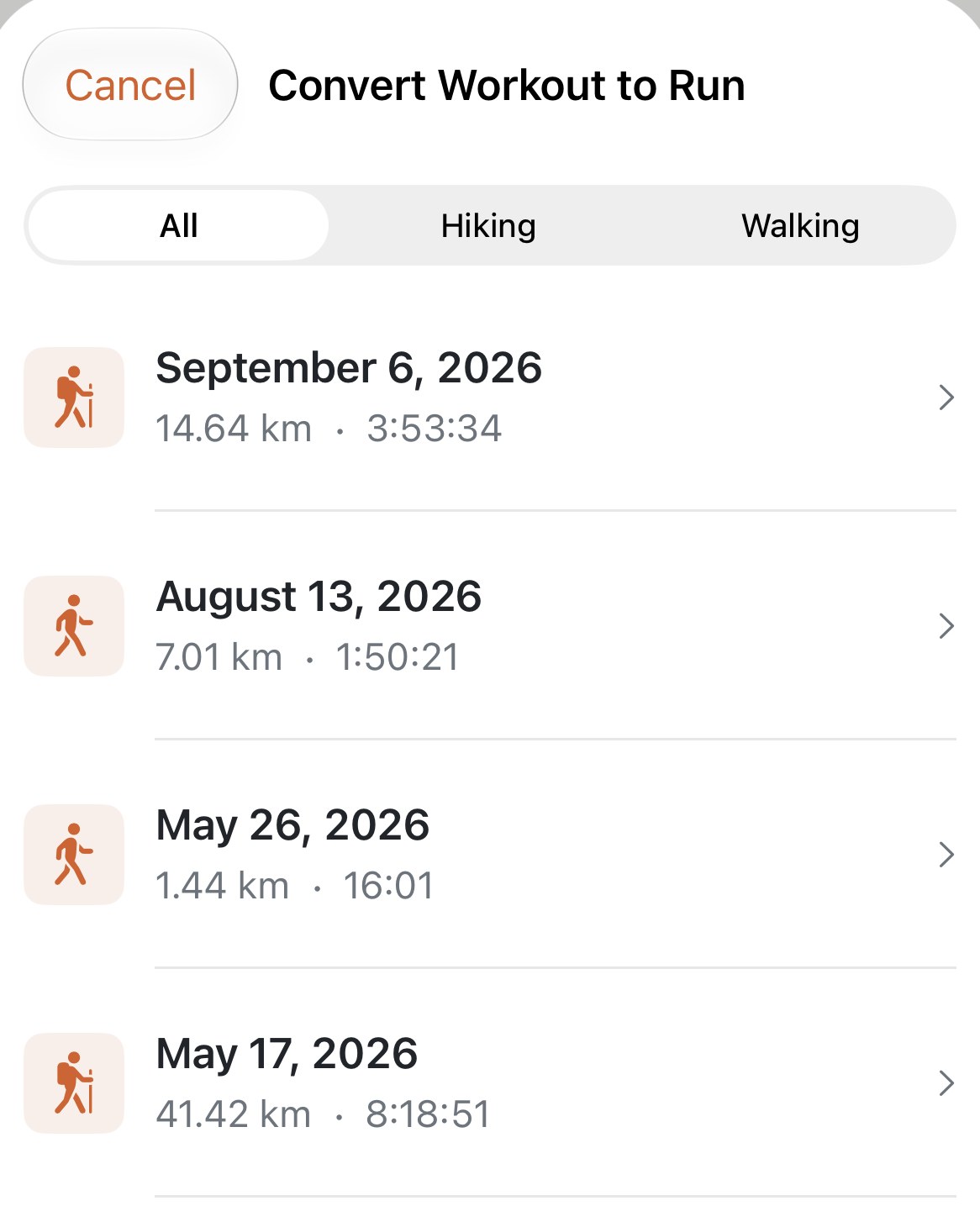
Tap a row and it’s done. There’s no confirm step: the workout comes in as a run, a toast says so, and the screen closes on its own. So find the right row before you tap. If the list is empty, you’ve had no hikes or walks in the last 180 days, and anything older can’t be brought in from here.
What comes through#
Everything a run has: the route on its map, the heart rate chart and your time in each zone, the elevation gained, and splits. It counts in Weekly Stats, in Training Status and in the monthly report like any other run.
Three things are different, and all three are visible on the run:
- The Source line reads HealthKit (Hiking) or HealthKit (Walking), so you can always tell which runs came in this way.
- It arrives labelled Easy, whatever it was. A hike with a run inside it isn’t one of the six run types, so the app doesn’t guess; if it deserves Long Run, change the label on the run.
- Cadence, stride and power are usually missing, because the watch doesn’t record running dynamics for a hike. The cards for them simply don’t appear, and the Running Dynamics section stays hidden. Nothing is broken.
It counts as a run everywhere, records included#
This is the part to decide before you tap. A converted hike goes onto your records board like a run, and a mountain day is exactly the kind of run that takes a record: Highest Elevation, Longest Duration, sometimes Most Calories. If you’d rather your climbing record stayed a running record, leave the hike where it is.
If you want it in, that’s fine too, and it’s what the feature is for. A 14 km hike with 1,963 m of ascent belongs in a training week alongside the road runs, and the records board will say so.
Worth knowing#
- Nothing goes back to Apple Health. The hike stays a hike in Fitness; the run exists only in this app.
- Already brought in? You’ll get Run Already Exists. Import Anyway replaces the copy in the app with a fresh one, which also drops any name, note or shoes you’d added to the old copy.
- There’s no Reimport on its menu, because it didn’t arrive by the usual route. To refresh it, delete it and convert it again from this screen.
- Deleting it is final in the sense that no sync brings it back; only this screen can, and only while the workout is under 180 days old.
- It’s free. No Pro needed for this one.
Why it was built this way: I started hiking. Then I started running.
Get the app
The effort was real. Count it.
Convert Workout to Run is free and reads straight from Apple Health, so the hike is already there waiting. One tap brings it in with its route and heart rate; your original workout stays exactly as it was.
↓ Download Apex Run