
Badges for the running you've already done
Most badge systems start you at zero. This one starts you where you are: the 5K badge already reads ×261 because you've run 261 of them, and the next milestone bar is already 93% along. Nothing to keep up. Just a record of what the running added up to.
Achievements are the app’s memory of milestones: how many races’ worth of distance you’ve run, how far the whole of it adds up to, and a few things worth a badge simply because you did them. They ask nothing of you. There are no streaks to keep and nothing you can lose.
On the Profile tab#
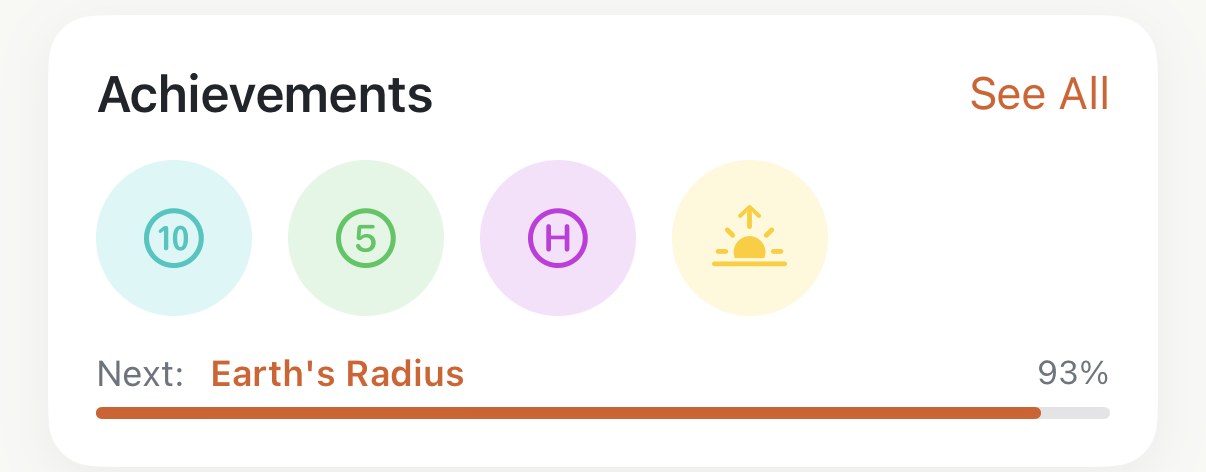
The Achievements card shows your four most recent badges and, under them, Next: the milestone closest to being earned, with how far along it is. See All opens the full gallery.
The gallery#
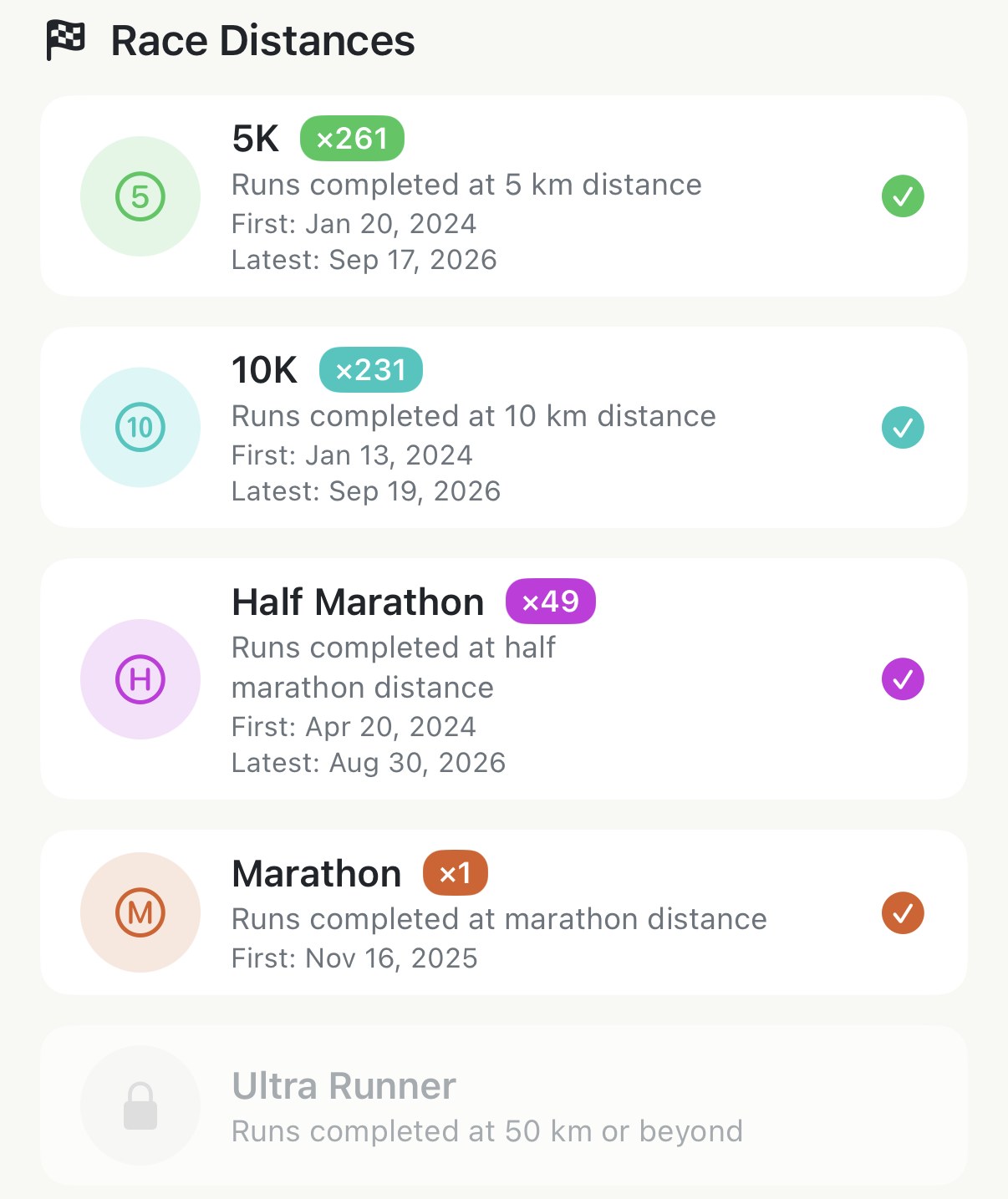
Three groups, and every badge in them is free:
- Race Distances — one badge each for 5K, 10K, Half Marathon, Marathon and Ultra Runner, with a count of how many times you’ve done it, and the dates of your first and your latest. A run counts once, for the longest distance it covers: a 12 km run is a 10K, not a 5K and a 10K. So the 5K count is your runs between 5 and 10 km, and the half marathon count doesn’t include the marathon.
- Total Distance — nine milestones for everything you’ve ever run added together, from the 100 km Club through Earth’s Radius and Around the Earth to To the Moon. A locked one shows a bar and how far along you are, so the far ones are a slow-moving number to watch rather than a wall.
- Explorer — three you either have or don’t: a run started before six in the morning, one started after nine at night, and one with 1,000 m of climbing in it.
Locked badges sit grey with a padlock and the line that says what earns them.
How they’re earned#
All of it is read from your history on the day you install, so a runner with three years in Apple Health opens the gallery to three years of badges, dated by the runs that earned them. From then on each new run is checked as it arrives, and a new badge shows up as a card in the Insights feed — several in one week fold into a single card.
Worth knowing#
- A badge is never taken away. Delete the run that earned it and the count drops, but the badge stays.
- A hike you converted into a run counts in every group, and it’s the likeliest way to earn the 1,000 m badge.
- The counts are by distance, not by label. A 10K badge counts runs of 10 to 21 km whether or not you tagged them as races; a training run of 21.1 km is a half marathon here.
- Nothing here needs Pro, and nothing here needs the watch. Phone-only runs count the same.
Get the app
See what your running already adds up to.
Achievements are free and earned from the runs already in Apple Health — the badges are there the first time you open Profile.
↓ Download Apex Run